Entering Picture View
- Once in the SharePoint library
- Navigate to the folder you need to view
- Ensure no files are selected
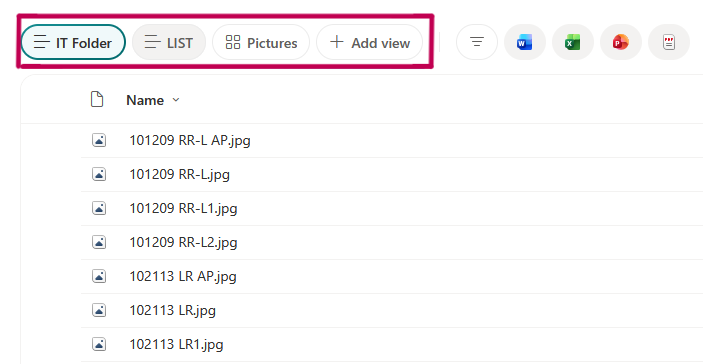
- Select the “Pictures” view option
- The page should now properly load the images without constantly reloading
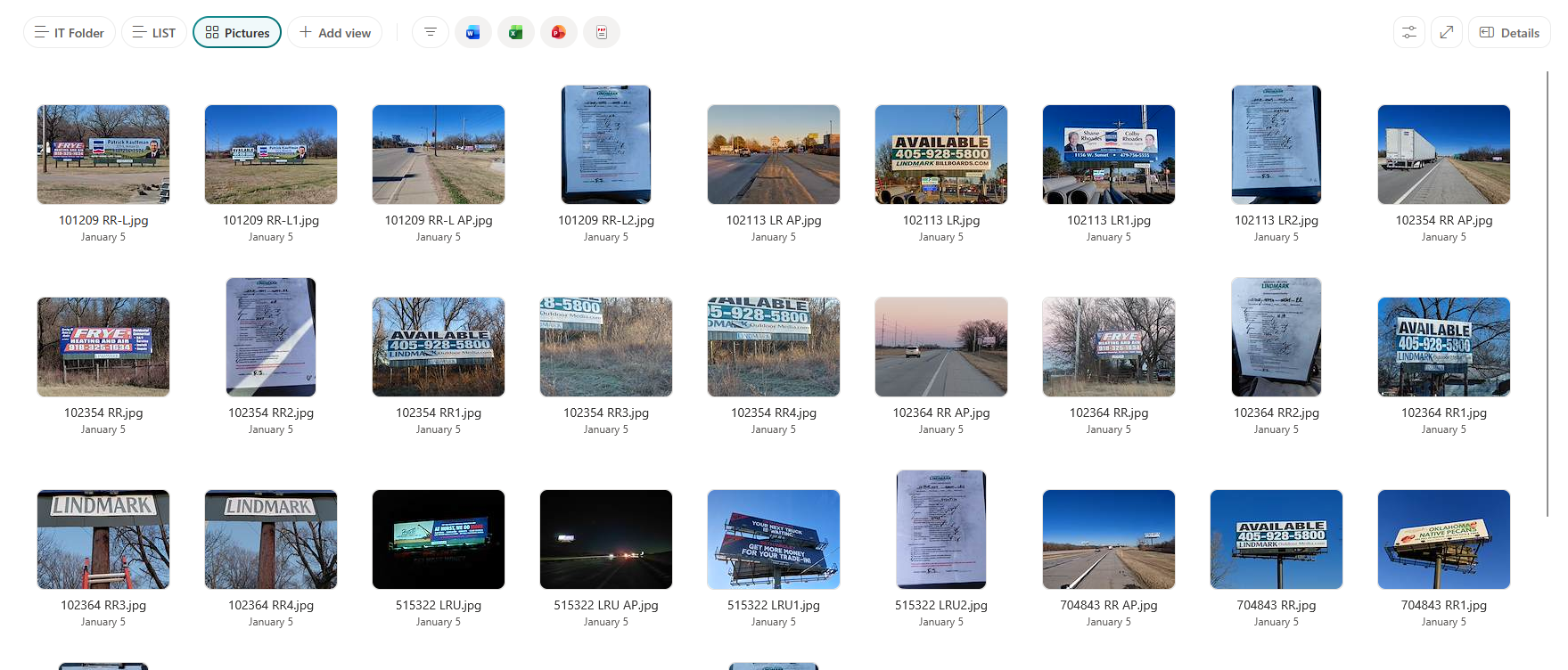
Undoing Picture View
- To revert to the default view, simply click either of the two other view options at the top

Was this article helpful?
That’s Great!
Thank you for your feedback
Sorry! We couldn't be helpful
Thank you for your feedback
Feedback sent
We appreciate your effort and will try to fix the article